Mohamed Amasha
Posted by:
Mohamed Amasha
Category:
Chrome Extension
Posted on:
Aug 21, 2026
BlurGPT
ChatGPT History Privacy
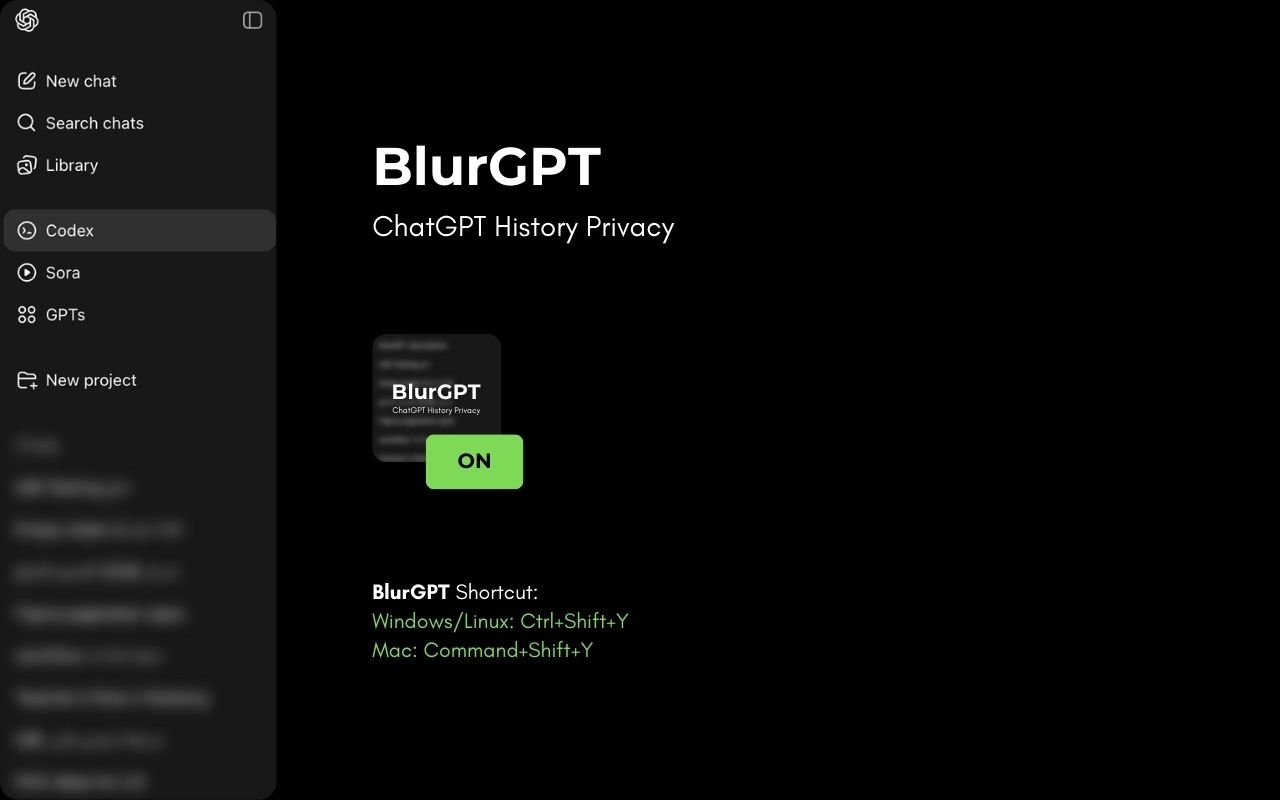
The Problem
If you use ChatGPT at work, in meetings, or while sharing your screen, you've probably had that moment — your chat history is fully visible in the sidebar, showing conversation titles that might be personal, confidential, or simply not meant for others to see.
Deleting chats isn't an option when you still need them. And there's no built-in way to hide them temporarily.
I built BlurGPT to solve exactly this — keep your chats accessible but visually private.
What Is BlurGPT?
BlurGPT is a lightweight Google Chrome extension that blurs your ChatGPT conversation history and projects in the sidebar. Your chats stay right where they are — you don't lose access to anything — but they're hidden from anyone glancing at your screen.
Key Features
Blur Chat History — Instantly blur all conversation titles in the ChatGPT sidebar with one click. No more worrying about what's visible during screen sharing or presentations.
Blur Projects — Hide project names and folders in the sidebar too, keeping your workspace completely private.
Adjustable Blur Intensity — Control how strong the blur effect is. Go from a subtle soft blur to fully unreadable — whatever fits your situation.
No Data Loss — BlurGPT is purely visual. It doesn't delete, modify, or touch your chats in any way. Everything is still there when you need it.
Toggle On/Off — Turn the blur on when you need privacy and off when you don't. Simple and instant.
Who Is It For?
Anyone who uses ChatGPT and cares about screen privacy — designers presenting in meetings, developers pair programming, product managers on calls, or anyone working in an open office. BlurGPT gives you peace of mind without disrupting your workflow.
🔗 Install from Chrome Web Store: BlurGPT: ChatGPT History Privacy